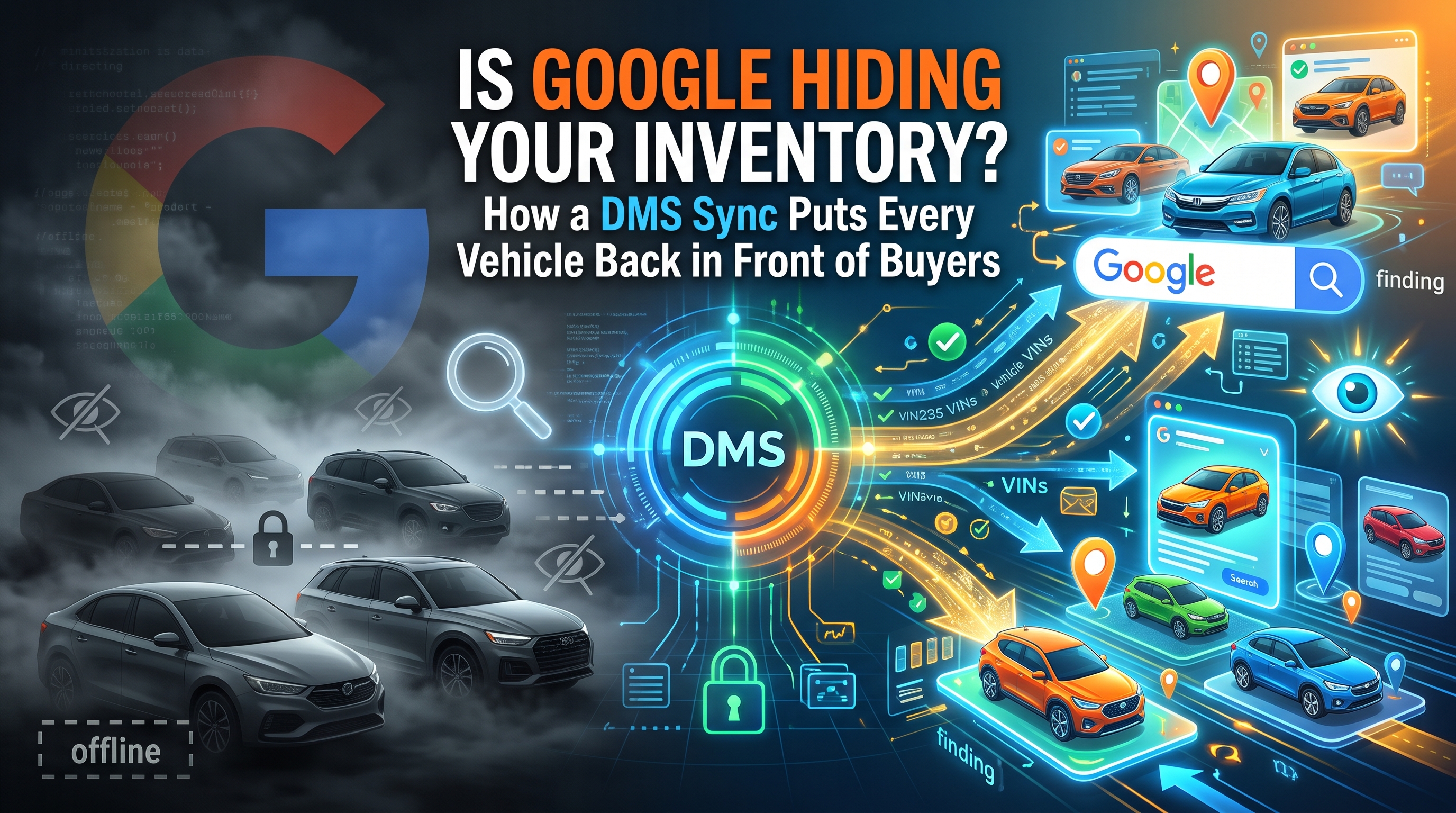
Google is deciding which of your cars shoppers get to see, and it checks your data before it decides. Most dealers have never checked it back.
Every month, dealers spend real money telling Google what's on their lot. Very few have asked whether Google believes them, and they should. Because earlier this year, Google stopped taking dealers at their word.
Here's what changed. Google vehicle ads put individual cars in front of the people searching for them: a year, a make, a model, a price, a photo and a store. One click, and the shopper is on that exact vehicle's detail page. It's the closest thing digital advertising has to a shopper walking onto your lot and pointing at a car.
Those ads are built from a feed. You send your inventory to Google Merchant Center, Google serves it through Performance Max, and the ads show up. Simple enough. But since mid-April 2026, Merchant Center checks every vehicle in that feed against the page it points to, comparing price, availability, condition, mileage and VIN (
Google). If they don't match, the vehicle is disapproved (
Search Engine Roundtable). Not flagged, not downgraded, disapproved. And a car Google won't show is a car no shopper on Google will ever find.
The problem isn't Google. It's the feed.
Look at almost any dealership's inventory data and you'll find the same things. A used unit that sold Saturday is still live on Tuesday. A price drop in the DMS never made it to the website. A demo is listed as new in one system and used in another. A stock number is sitting where the VIN should be.
Each one is small, and each one costs you. At best it's a disapproval. At worst it's a paid click from a shopper who lands on a price that doesn't match the ad and leaves. Google says it plainly: a mismatched price can mean paying for clicks that bounce straight back to search (
Google).
Every one of those mistakes has the same root. The ad was built from something other than the truth.
The DMS is the truth.
Your DMS is where the deal actually happens. It knows what you own, what you priced it at, what came in on trade this morning and what delivered an hour ago. Your website doesn't know that first. Your feed vendor doesn't know that first. Google certainly doesn't.
So the fix isn't a better ad. It's a better sync. When the DMS feeds Google through a feed that's mapped, validated and refreshed on the clock your lot actually runs on, three things happen. More of your inventory gets approved. You stop paying for clicks on cars you no longer have. And the shopper who clicks a $32,995 ad lands on a $32,995 VDP.
That last one matters more than any metric on the dashboard, because trust is won or lost in the first second on the page. Here's how the loop works.
Every vehicle ad starts and ends in the DMS
|
Your DMS
Price, status, VIN, condition, mileage
|
→ |
Feed manager
Maps and validates every attribute
|
→ |
Merchant Center
Checks the feed against each VDP
|
← |
Business Profile
One per rooftop, linked by store code
|
| ↑Sold units drop out at next sync |
| | |
↓Approved units only |
| |
|
|
Every vehicle ad starts in the DMS, and every sale ends there. The sync is what keeps the two honest.
How to sync your DMS with Google Merchant Center
This isn't a product. It's a discipline, and it comes down to eight steps.
1. Clean up the data at the source.
2. Set up a
Business Profile for every rooftop.
3. Create Merchant Center and activate vehicle ads.
4. Connect the DMS to a feed.
5. Set a sync cadence that matches your lot.
6. Make every VDP match the feed.
7. Pass the data quality review, then launch.
8. Monitor and fix at the root.
One note on step four. Most DMS platforms don't talk to Google directly, so something in the middle does the translating. That middle layer is the part most likely to drift, which makes it the part to watch.
Five questions to ask about your feed
Before you spend another dollar on vehicle ads, ask five questions.
How much of your lot is Google showing? Divide approved vehicles by vehicles in stock. If you don't know that number, you don't know your reach.
How long does a sale take to reach Google? Count the hours between a delivery in the DMS and that unit leaving the feed. Every one of those hours is a click you might be paying for.
Does the VDP match the ad? Price, VIN, mileage, condition and availability should all be visible when the page loads. Google checks, and so should you (
Google).
Who's fixing the errors, and where? If mismatches get patched with one-off overrides in the feed, the next sync puts them right back. Fix it in the DMS.
What did it cost per vehicle sold? Not per click, and not per lead. Per vehicle. Match the sold VINs and buyers in your DMS back to the shoppers who engaged with your ads.
If your provider can
answer all five, keep them. If they can't, you're advertising inventory you can't see.
None of this is complicated. It's just easy to ignore, because the dashboard looks fine either way. Impressions still show up, and clicks still show up. What doesn't show up is the car Google quietly stopped showing.
Google can tell you what happened on Google. Only the DMS knows who bought. That's the work
Mudd Propel does every day.
Mudd Propel™ isn't just another marketing tool—it's a transformative launchpad for digital success. By combining automation, intelligence, and scalability, Propel empowers your business to soar higher, faster, and smarter.
Show the real car. Match the real price. Count the real sale.